

Last updated on November 1, 2026 at 11:17 AM
You bought clicks, but the purchase column stays at zero. Before changing audiences or building another campaign, establish whether customers actually failed to buy or whether purchases were not collected or attributed. Those are different problems. This tutorial gives you a practical sequence, an evidence worksheet and clear handoffs for the media buyer, store operator and implementation owner.
What you will finish with: a specific bottleneck, a verified example journey, an owner and a limited next action. Use Meta Ads for Beginners for campaign setup, and the Meta, GA4 and Shopify reconciliation guide when purchases exist but reported credit differs. The examples here are fictional, not performance benchmarks or screenshots of customer results.
Reviewed November 1, 2026. Use current labels and available controls in your account. This workflow concerns ads sending people to an ecommerce website; messages, lead forms, shops, apps and offline purchases need their own outcome definitions.
1. Verify the store’s business outcome first
Ask the operator to inspect actual order and payment records for the relevant store, sales channel and period. Separate paid website orders from tests, unpaid attempts, cancellations and other channels. Record timezone, currency and the extraction time. Do not use a generic sales total as a substitute: Shopify explains that report definitions and payment/refund records differ.
| Verified observation | First investigation | Avoid concluding |
|---|---|---|
| The store has paid website orders; Meta shows no purchases. | Collection, destination dataset, event selection, matching and attribution. | That the checkout cannot sell. |
| The store has no eligible paid website orders. | A real shopping journey, traffic arrival, offer and checkout. | That another tracking installation will create demand. |
| Order eligibility or payment status is unclear. | The operational ledger and an identifiable order example. | That every created order is a completed purchase. |
If payment processing or order records are broken, limit the affected promotion or sales route while you investigate. Otherwise, keep a change log and avoid changing creative, targeting, price and checkout at the same time. Several simultaneous changes can hide the reason for an apparent recovery.
Start with the paid-order record, then assign the appropriate investigation.
The operator establishes store, period, payment status and channel eligibility.
Check that purchase events arrive, then check campaign attribution.
Check arrival, offer and checkout, using evidence from the payment provider's supported procedures.
Assign an owner, preserve evidence and use a limited test.
2. Check purchase-event delivery before attribution
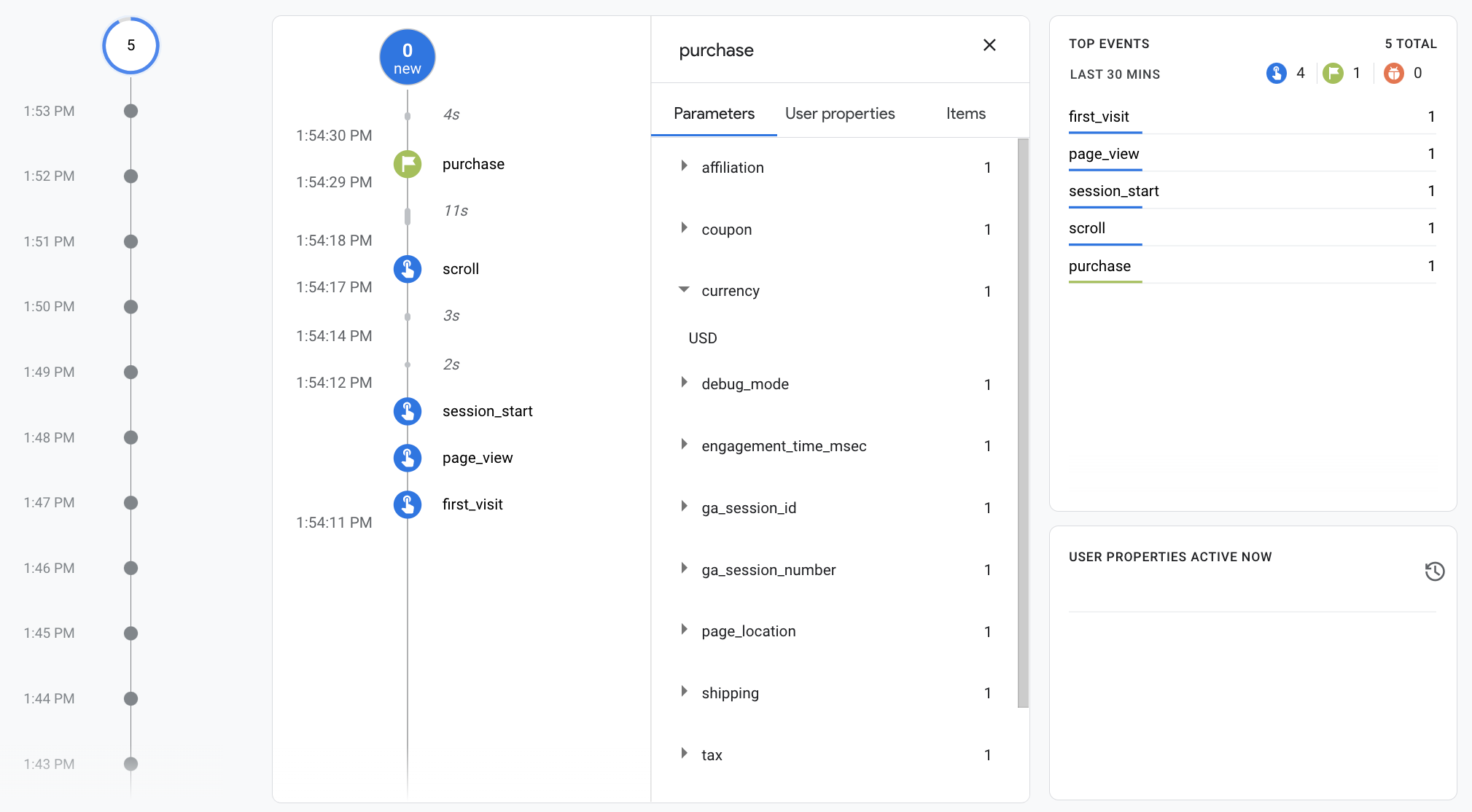
Arrange a supported test with the operator and implementation owner. Record the device, route, consent choice, product variant, final amount and non-personal test reference. Verify that the store records the expected payment state, then check whether the intended analytics integrations receive the purchase event. Receiving an event and assigning it to a campaign are separate steps.
Use the platform’s supported testing process. Shopify’s test-order guidance distinguishes simulations from real transactions and notes that active payment test mode prevents live orders. Check connected email and fulfillment effects. Return the configuration to its intended live state and verify production readiness using the provider’s supported procedure; simulated success does not prove settlement of real funds.
For a missing event, identify the owner and destination before adding code. Review the installed Shopify channel, customer-event integration, tag manager and custom implementation as relevant. Shopify’s Meta sharing documentation describes purchase-event delivery from the browser and server. A second independent implementation can create duplicates rather than fix a gap.
For GA4, compare the purchase’s transaction ID, value and currency with the official ecommerce specification. Inspect the actual trigger and a confirmation-page revisit. Keep personal information out of ordinary analytics parameters and URLs. Test accepted and rejected choices as applicable; do not bypass required consent to make a counter move.
If events arrive but Meta reports zero attributed purchases, inspect the selected purchase event, dataset, ad destination, attribution settings, period and reporting lag. A purchase outside a selected window or without a qualifying matched interaction is not the same as an undelivered purchase event. Use the reconciliation guide for that branch.
3. Establish what the clicks represent
Write down the complete column names, not just “clicks.” Link destinations can include experiences on Meta as well as external websites. Choose the metric that fits the ad’s actual destination, then inspect arrivals. A click is an interaction count, not a unique qualified visitor or proof that a product page finished loading.
| Observation | Practical question | Keep separate |
|---|---|---|
| Clicks or all clicks. | Which interactions does this column include? | Social interaction and website visits. |
| Link clicks. | Which destination did this link actually open? | On-platform destinations and external website traffic. |
| Outbound clicks. | Did the action lead away from Meta? | The click and successful destination loading. |
| Landing page views. | Was the page load measured with this ad format and setup? | Measured arrivals, sessions, people and purchase intent. |
| Add to cart, checkout and purchase. | Are these event counts, attributed results, sessions or unique orders? | Actions taken and distinct customers completing each stage. |
Read the definition for the selected column and ad format. Do not assume every report is a funnel in which each later step contains only people from the previous step. People can click repeatedly, revisit, switch devices or buy later. Consent, event delivery and attribution also differ. Comparing figures from different sources can help an investigation, but the resulting ratio is not automatically the true probability of moving between steps.
There is another historical boundary: Meta announced a staggered 2026 attribution change separating link-click credit from non-link engagement credit. That does not make all link clicks equivalent to loaded website visits. Record the definition used in old and new exports before interpreting a change as worse traffic.
4. Test the ad-to-page handoff
Open the actual ad’s destination through a supported preview or live verification route. Test on the relevant phone and in-app browser, not only a fast desktop connection. Check the full redirect path, selected product, language, currency, stock, variant and destination country. Confirm that campaign parameters survive necessary redirects without exposing customer details.
Look for a broken URL, slow first render, consent dialog that cannot be dismissed appropriately, intrusive popup, unavailable variant, country redirect loop or password-protected page. Compare the promise in the creative with the first visible product information. Save a short screen recording and timestamps rather than simply reporting “the site is slow.”
Compare the affected device, placement, ad and destination with a suitable unaffected segment. Shopify’s analytics discrepancy guidance notes collection differences and the September 2026 session-measurement change. A fall in a session-based rate alone does not prove the page or customer behavior changed.
Use Website Building for the full mobile and checkout acceptance checklist. For this diagnosis, fix a demonstrated fault, record the release and retest the same journey. A universal “acceptable” click-to-load percentage would hide differences in destinations and measurement.
Use the advertised market, phone and in-app browser. Record where the first confirmed problem appears.
Open the real final URL.
Keep the intended country, language and campaign parameters.
Confirm stock, currency and the selected option.
Verify delivery eligibility, total charges and available payment.
5. Build a funnel worksheet with clear definitions
For illustration, a team records 1,000 outbound click actions and 720 measured landing-page-view actions in a matched ad-report scope. The observed ratio is 720 ÷ 1,000 = 72%. It is an investigation aid, not a claim that 280 unique people abandoned the page or that 72% is good or bad.
Separately, consider a website analysis that follows the applicable consent choices and removes duplicate records. It follows 600 sessions selected under its stated rules: 48 include an add-to-cart action, 24 reach checkout and none contains a confirmed paid order within the declared observation window. The session progression is 48 ÷ 600 = 8% and 24 ÷ 48 = 50%. Do not divide 24 website sessions by 720 Meta actions and present the result as the same funnel.
| Layer | Observed value | Next question |
|---|---|---|
| Ad arrival comparison. | 1,000 outbound actions; 720 measured loads. | Are destination and loading evidence consistent with the gap? |
| Website sessions included in this analysis. | 600 sessions; 48 with cart; 24 with checkout. | Can customers understand the offer and reach payment? |
| Paid-order check. | 0 confirmed paid orders in the declared window. | Do payment attempts fail, or is evidence still insufficient? |
This example deliberately follows an ordered session cohort. In Shopify’s behavior reports, reached-checkout sessions require a user interaction during checkout, such as a key press or mouse click; completed-checkout sessions are not an order count. The report’s step rates divide by all sessions: 24 ÷ 600 = 4% reached checkout here. The 50% above is a separately calculated checkout-after-cart rate. Record whether the report uses an open or closed funnel; an open funnel can include sessions that skip earlier steps.
Zero purchases from 24 checkout sessions is a reason to inspect those attempts and the payment flow supported by your provider. It does not prove a specific failure, a market-wide conversion rate or that every checkout was a different person. Check payment statuses and error evidence, then decide whether more observation is needed. Record missing evidence instead of inventing a cause.
Constructed figures show why matching definitions matters before calculating a rate.

6. If arrivals do not become carts, inspect the offer
Ask someone unfamiliar with the product to identify the selected variant, total likely cost, delivery destination, evidence of fit and reason to trust the seller. Use their observed difficulty to choose an improvement. Clear dimensions, compatibility, product-use evidence, delivery terms and an accessible return route often matter more than another decorative section.
Compare the ad’s promise with the actual offer. An attractive discount, fast-delivery claim or bundle shown in the creative must be available under the displayed conditions. Check whether price, language, currency or product selection changes after arrival. Review relevant customer questions, not only a conversion-rate chart.
When the journey works but intent is weak, review campaign objective, performance goal, geography, destination and the audience problem. Traffic optimized for a visit is not a promise of purchases. Coordinate with the media buyer before changing delivery settings. For a new proposition, return to Product Research and test a clear offer with a spending limit.
Compare one specific offer across the journey instead of asking whether the page simply “looks good”.
7. If carts reach checkout but payment does not complete
Test checkout using a supported procedure and an address in the advertised market. Check shipping eligibility and total charges, discount conditions, stock reservation, address fields, payment availability, authentication and recovery from errors. If the customer is redirected away, check that they can return correctly. Investigate actual decline or failure evidence with the payment provider’s guidance.
Check the operational distinction between an abandoned checkout, created unpaid order, authorized payment, captured payment and refund. A failed purchase event should not decide whether money was collected. Involve the operator or payment owner, and do not ask customers to disclose full payment credentials in an issue log.
When the defect is confirmed, pause only the affected offer or route as appropriate, preserve records and communicate verified information. After correction, retest the original scenario and one relevant boundary case. Avoid restoring an old order database over new transactions as a shortcut; use the recovery principles in Website Operation.
Read the store and payment-provider statuses together. A purchase event alone does not establish payment.
8. Assign the issue, evidence and next check
| Case | Evidence needed | Who does what next |
|---|---|---|
| Paid orders exist; no purchase event received. | Test reference, integration owner, destination and consent behavior. | Implementation owner checks delivery before campaign attribution. |
| Purchase event received; no attributed campaign result. | Selected event/dataset, windows, report period and matching context. | Media buyer and analyst document the attribution difference. |
| Clicks present; destination sometimes fails. | Actual ad URL, device, redirects, load recording and error. | Store developer fixes and retests the affected path. |
| Product viewed; offer remains unclear. | Observed task, customer objections and ad-to-page mismatch. | Merchandising owner tests one content or offer change. |
| Checkout reached; payment fails. | Provider status, order state and reproducible supported scenario. | Operator/payment owner contains and verifies the repair. |
For each issue, record what happened, the source, date, segment, suspected cause, other possible explanations, owner, action and next review. Mark hypotheses as hypotheses. Close the issue when evidence shows that the affected journey works, rather than simply because a dashboard total increased.
One observed failure, the supporting evidence and one next action belong in the same record.
9. Choose the next limited test
State the observed bottleneck and one proposed change, with a budget or time limit and a stopping condition. Preserve an appropriate comparison where practical. For example: “On the affected mobile route, the size guide is inaccessible; restore it and verify the task before evaluating another creative.” That is more useful than “try a new audience.”
Review paid orders, refunds, contribution and service capacity alongside advertising results. A later purchase is not automatically attributable to the repair, and a temporary spike is not proof of a sustainable business. When the store sells but platforms disagree, switch to reconciliation. When the offer still has no credible demand after a functioning journey and an adequate test, revise or stop the proposition rather than scaling clicks.